
How to Create a Payment Link
Before you start
Payment links let you accept payments without building a checkout page — share a link, a QR code, or send it by email, and your customer pays through it directly.
Creating a payment link
- Go to Payments → Payment Links.
- Click "Create Payment Link."
- Fill in the details for what you're charging for.
- Save to generate the link.
Sharing a payment link
Once created, a payment link can be shared as a URL, a QR code, or sent directly to a customer's email from the link's detail page.
Canceling a payment link
Open the payment link from your list and cancel it if you no longer want it to accept payments. A canceled link stops working immediately.
Related Articles
Accepting Payments for AI Companion and AI Image Apps: What Acquirers Ask For
Some acquirers consider AI companion and AI image apps for card payments, case by case, when lawful, consent-based and age-verified. Here is what they ask for.
Payments for FX and CFD Brokers: A Provider Checklist
What an FX or CFD broker should confirm with a payment provider: licensing fit, country coverage, deposit routing, cash-outs, settlement and disputes.
Payment Gateway for iGaming: What to Evaluate Before You Integrate
A payment gateway for iGaming is a routing and risk layer for deposits and player cash-outs. Here is what to evaluate before you integrate.
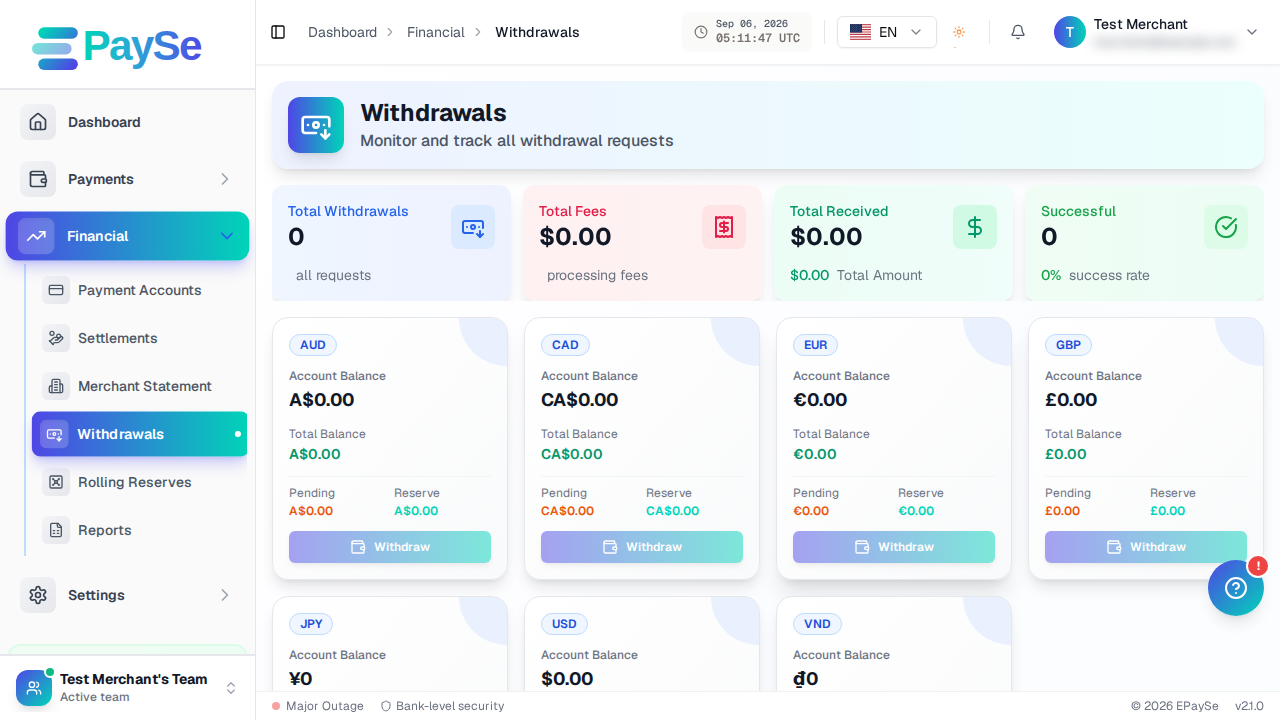
How to Withdraw Funds
How to request a withdrawal from your EPaySe merchant balance, from adding a payout account to tracking the request's status.