
How to Refund a Transaction
Before you start
Refunds are available when a transaction has a successful payment, no active dispute, and a refundable balance remaining. You'll need the transaction's reference or ID from your Transactions list.
Steps
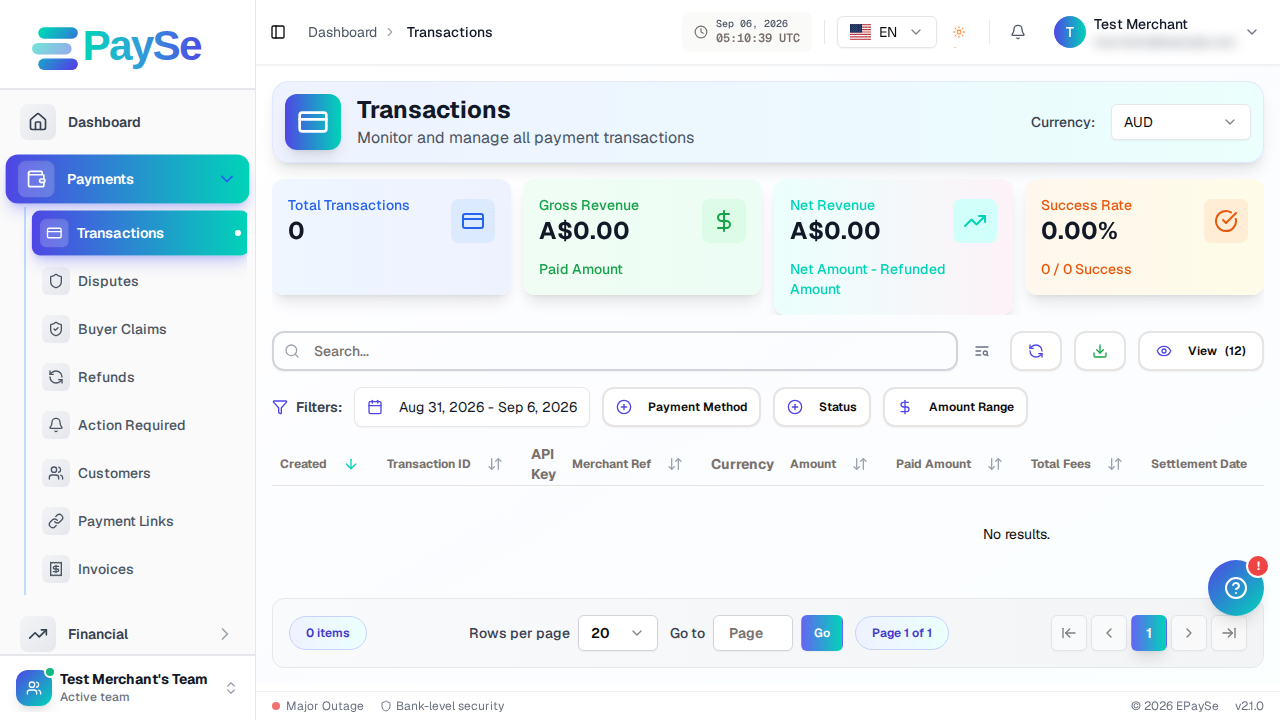
- Go to Payments → Transactions and open the transaction you want to refund.
- If the transaction is eligible, you'll see a Process Refund button on the transaction details page.
- Click it to open the refund dialog.
- Enter the amount to refund. It defaults to the full refundable amount — reduce it for a partial refund.
- Choose a reason from the dropdown (customer request, item unavailable, duplicate charge, fraud, abandoned, or other). If you pick Other, add a short note.
- Review the summary, then confirm.
After you submit
The refund starts processing and appears in the transaction's timeline. Its status updates as it moves from initiated to completed, or to failed with a reason shown if something goes wrong on the processor's side.
Once a refund completes, you can download a refund invoice from the transaction page.
If you don't see the refund button
- The transaction may not have a completed payment yet.
- It may already be fully refunded, with no refundable balance left.
- It may have an active dispute — refunds are blocked until the dispute is resolved.
Related Articles
Accepting Payments for AI Companion and AI Image Apps: What Acquirers Ask For
Some acquirers consider AI companion and AI image apps for card payments, case by case, when lawful, consent-based and age-verified. Here is what they ask for.
Payments for FX and CFD Brokers: A Provider Checklist
What an FX or CFD broker should confirm with a payment provider: licensing fit, country coverage, deposit routing, cash-outs, settlement and disputes.
Payment Gateway for iGaming: What to Evaluate Before You Integrate
A payment gateway for iGaming is a routing and risk layer for deposits and player cash-outs. Here is what to evaluate before you integrate.
Payment Integration Testing: Five Checks Before Going Live
Before going live with online payments, test a full successful payment, declines, refunds, webhooks and monitoring. This checklist explains each check in plain words.